12 steps to apply the 3-2-1 backup rule for a small business
Plan business backups with separate copies, protected access and practical restore tests. Use our free Excel restore log to record results and next steps.
The 3-2-1 backup rule means keeping three copies of your data, on two different types of storage, with one copy kept off-site. It remains a sound baseline for protecting business data, but only when you pair it with regular restore testing and proper separation of access. The rest of this guide shows you how to put it into practice.
TL;DR:
- Separate backup administration from everyday accounts, use multi-factor authentication and plan an offline or appropriately locked copy. These controls reduce risk; none guarantees recovery.
- Cloud backup may offer retention locks. Check the product, licence, protection mode and who can change or bypass the setting before relying on it.
- Agree a restore-testing schedule around critical systems, changes and recovery objectives. Record the outcome and follow up failures.
- A basic 3-2-1 setup for small businesses includes three copies, two media types, and one off-site location, with documented and tested recovery steps.
- Relying solely on live sync or phone backups does not meet the 3-2-1 criteria, as independent, verifiable copies are necessary for reliable data protection.
Table of Contents
- What the 3-2-1 backup rule actually means
- How the rule protects you, and where it falls short
- Why 3-2-1-1-0 and offline copies are gaining ground
- Setting up your own 3-2-1 backup system, step by step
- Testing your backups so a restore actually works
- Our view: backups should be boring, not complicated
- Getting your backups set up properly
- Sources
- FAQ
What the 3-2-1 backup rule actually means
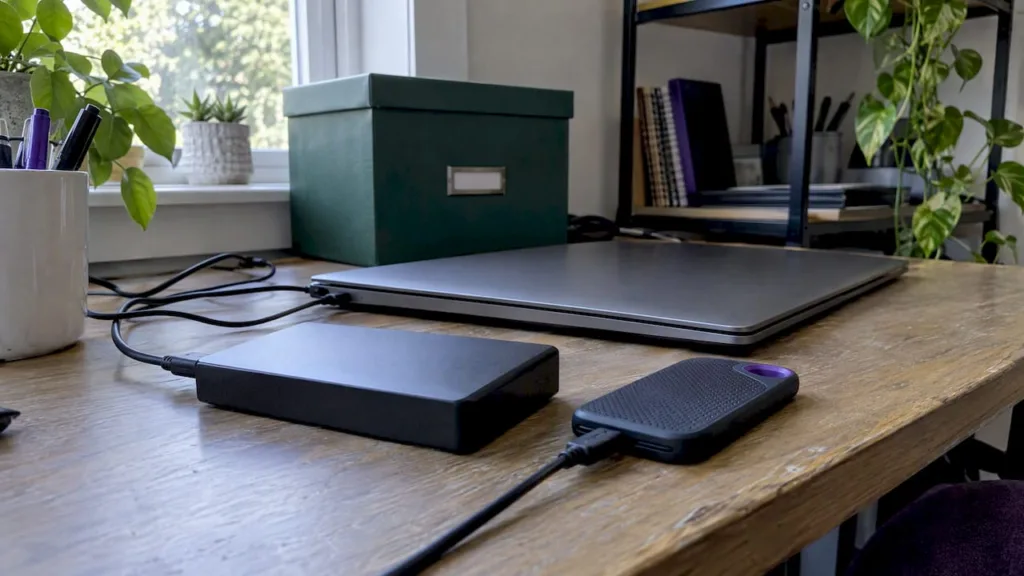
The rule is simple once you break it down. You keep three copies of your data in total: the original, plus two backups. Two of those copies sit on different types of media, because a single storage type shares the same failure risks. One copy lives off-site, away from wherever your main devices and office are.
Three copies means complete recoverable copies, not percentages: your working data, backup copy one and backup copy two. Use different storage or failure domains, and keep at least one copy off-site.
CISA’s Data Backup Options describes the three-copy, two-media, one-off-site baseline. Ordinary live sync can propagate deletions or damaged files; check that recoverable versions exist independently of the live data.
In practice, your two media types might look like this:
- An external hard drive or a network-attached storage (NAS) device kept on-site.
- A cloud backup service that stores an encrypted copy off-site.
- Optical media or a second hard drive, used less often but still valid for archiving backups.
Off-site means a genuinely separate location. Cloud storage or a rotated drive can be options, but their security, coverage, retention and recovery process still need checking. Two drives beside the same laptop share theft, fire and flood risks.
How the rule protects you, and where it falls short
Separate copies can reduce the impact of device failure, accidental deletion, theft or damage at a premises. Off-site storage alone does not prevent ransomware: reachable cloud accounts and backups can also be compromised. Design access separation and a protected copy alongside the copy count.
That last point matters, because the rule has real limits:
- If your backup uses the same login as your main system, a compromised password can put both at risk.
- Continuous sync tools can carry corrupted or infected files straight into your backup before anyone notices.
- A backup nobody has tested is a guess, not a guarantee.
Use the rule as a starting point. Independent failure domains, recoverable versions, secure administration and a tested recovery process matter more than a copy count alone.
The Data Protection Commission’s microenterprise guidance recommends secure backups in a separate location and periodic review and testing. Choose security and retention measures for the personal data and risks involved; a backup design does not establish GDPR compliance.
Ireland’s NCSC SME ransomware guidance recommends air-gapped or immutable backup storage. Check what the proposed protection actually covers, how it is administered and how you would recover without your normal systems.
Why 3-2-1-1-0 and offline copies are gaining ground
Veeam describes the 3-2-1-1-0 extension: keep the original three-copy structure, make at least one copy offline or immutable, and aim for zero errors in recovery verification. This does not necessarily require a fourth copy, and a successful sample test cannot prove every future restore will work.
An offline copy is disconnected when not in use. Immutable storage restricts changes for a retention period. Its protection depends on the product, mode and permissions: Amazon S3 Object Lock documentation, for example, distinguishes governance and compliance modes. Some authorised users can bypass governance mode. These are design choices to verify, not a generic promise that every locked copy is invulnerable.
- A cloud off-site copy covers disasters and device loss but stays vulnerable to account compromise.
- An immutable or offline copy adds protection against ransomware and insider mistakes.
- A protected copy may require different storage, licences or configuration. Confirm requirements and cost with the provider.
Choose the design around the data, threats and recovery objectives. A sole trader can still hold critical or sensitive records; business size alone does not establish that a particular setup is sufficient.
Ask your provider which retention-lock or offline options are supported, who can bypass them and how they are tested. Version history and immutability are different controls.
Setting up your own 3-2-1 backup system, step by step
Turning the rule into a working system takes a few honest decisions before any technical setup. Here is a practical order to follow.
- List what actually needs backing up. Customer records, accounts files, contracts, photos and website content usually matter most; temporary working files often do not.
- Decide how much data loss is acceptable. Record the recovery point objective (RPO) for each important workload. Agree it with the person responsible for the business process before choosing backup frequency.
- Decide how long recovery may take. Record the recovery time objective (RTO), including access, replacement equipment and application checks, not just copying files.
- Choose a local recovery option where appropriate. A drive or NAS can help with file recovery, but measure its performance and separate its failure and access risks from the live system.
- Choose the off-site copy. Check workload coverage, retention, encryption, access, data location, restore methods and costs. Cloud storage is one option; check the actual backup service rather than assuming sync covers everything.
- Set frequency and retention. Match the RPO, data change rate and retention obligations. Check whether the chosen product protects files, applications, system configuration and cloud workloads as required.
- Separate and protect access. Use distinct backup administration and multi-factor authentication. Store credentials securely and make recovery instructions and key access available if the normal account or device is unavailable.
- Check encryption and recovery keys. Confirm protection in transit and at rest for each copy, and test how an authorised person can recover the keys during an outage.
- Plan a protected copy. Check offline rotation or the provider’s immutability mode, retention, permissions and exceptions. Confirm protection during a compromise rather than relying on a toggle name.
- Write down the restore process. Note where each copy lives, who holds the login details, and what order to restore things in.
- Assign one person responsibility for checking backups ran, even if that person is you.
- Set a testing cadence, covered in detail next.
If using a NAS or server, include power, physical security, network access and recovery dependencies in the plan. Agree technical changes as a separate project where they change the existing systems.
Pro Tip: Put your restore instructions somewhere you can reach them if your main systems are down, not only saved on the computer you’re trying to recover.
Testing your backups so a restore actually works
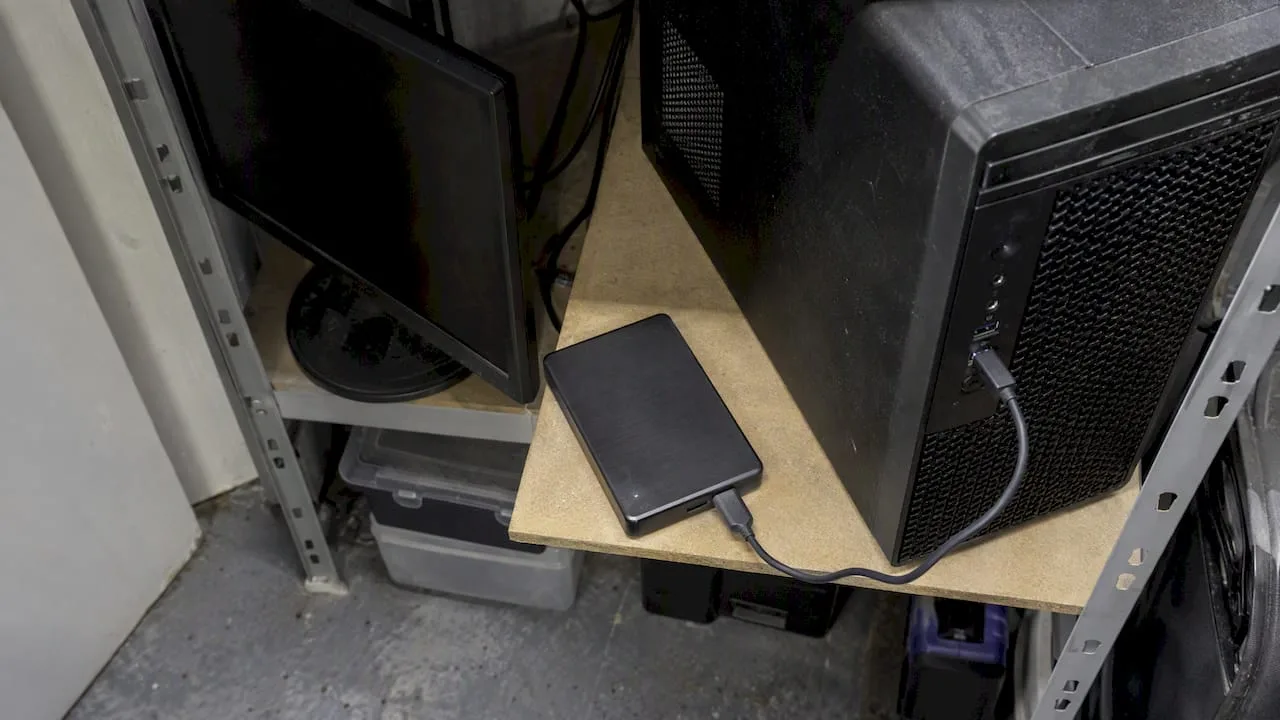
Illustrative AI-generated equipment image; it does not show a verified backup or restore test.
NIST SP 1339 concerns operational technology, rather than a universal small-office testing interval. Its emphasis on regular backups, tests and recovery exercises is useful context. Set your own test plan around the actual systems and business recovery objectives.
A simple testing routine looks like this:
- Pick a non-critical file or folder and restore it to a separate location, never back onto the live system.
- Time the whole process, from starting the restore to having a usable file, and compare it against your RTO.
- Check the file opens correctly and matches the expected version, catching silent corruption before it becomes a crisis.
- Repeat with your off-site copy, since retrieval speed from cloud storage can differ significantly from a local drive.
- Update your documentation with anything that changed, from new logins to a different restore order.
Agree and document the test frequency for each critical workload. Recheck after material system or backup changes. A sample file test is a useful start; recovering an application, server or cloud workload needs its own scope, dependencies and success criteria. Checksums can help detect changed data, but do not prove an application will start or that a usable restore is available.
Download the free editable backup restore log (Excel). Record the system, test date, result and next action. Includes instructions, a blank worksheet and a fictional example. No signup; technical implementation is separately scoped paid work.
Our view: backups should be boring, not complicated
A useful backup record answers three questions: what is protected, who can recover it, and what actually happened in the last restore test. A green completed-job message cannot answer all three.
For a fictional bookkeeping business, a laptop, an encrypted local backup and a protected off-site backup could form part of a plan. The owner still needs to agree file and application coverage, retention, access and measured restore objectives. This is an illustration, not a sufficient design for every bookkeeping practice.
Look for undocumented restore steps, missing keys, shared administrator privileges or an untested recovery route. A securely configured password manager can be appropriate; plan access separation and emergency recovery so one compromised or unavailable account does not block every copy.
Getting your backups set up properly
If working through media types, retention periods and restore testing feels like more than you want to take on alongside running your business, that is exactly the kind of setup work we handle directly.
- Backup & recovery: we set up on-site and off-site copies matched to how your business actually works, not a generic template.
- IT support: ongoing help with the systems your backups sit on, from email to shared drives.
- Training: a short session for you or your team on how to check backups ran and what to do if a restore is needed.
Use the free restore log to document your own checks. For technical review, setup or ongoing support, discuss a separately scoped backup and recovery service. Access, deliverables, timing and cost are agreed before work starts.
Sources
- Data Backup Options (CISA)
- Personal data security guidance for microenterprises (DPC)
- OT Backup Quick Start Guide — NIST SP 1339 (operational technology)
- 3-2-1-1-0 ransomware protection guidance (Veeam)
FAQ
Is the 3-2-1 backup rule outdated?
The copy-count rule remains a useful baseline. Include access separation, a protected copy and tests appropriate to your systems; do not treat the numbers as a recovery guarantee.
What is the 3-2-1-1-0 rule for backing up data?
It adds an offline or immutable requirement for at least one copy and a zero-error verification objective. It does not necessarily mean four copies or promise error-free recovery of all data.
Does the 3-2-1 rule work against ransomware?
It can improve recovery options, but off-site copies may still be reachable by an attacker. Review offline or locked storage, separate administration and recovery tests. Backups do not prevent data theft or every consequence of ransomware.
How does the 3-2-1 rule apply to photo backups?
Use independent recoverable copies and check what happens when a photo is deleted or corrupted. Live sync alone may propagate the change; confirm version history, retention and an independent recovery route.