Small business firewall: a buying and handover checklist
Plan a small business firewall with requirements, support responsibilities, access rules, backups and handover checks before choosing replacement hardware.
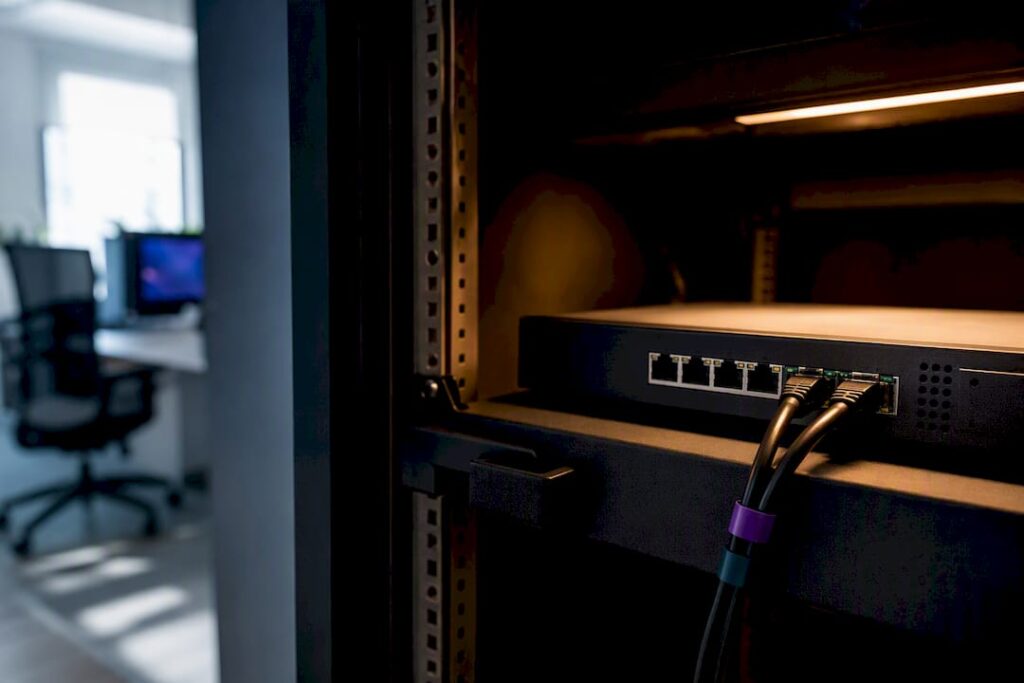
A small business firewall needs an owner as well as a place in the communications cupboard. Before buying one, establish what must connect, what needs protection and who will maintain the configuration. A long feature list does not answer those questions.
This checklist is for a business owner planning work with an IT provider. Configuration commands and suitable settings depend on the network and the selected product.
Start with the business requirements
List your sites, internet connections, users and devices. Include payment terminals, printers, guest Wi-Fi, cameras and any office systems accessed remotely. Record the applications people rely on, particularly business calls and cloud services.
Ask the provider to explain which connections are needed between these systems. Guest devices should not simply inherit the same access as office computers. Remote access also needs its own design; buying a firewall does not establish that every employee needs a VPN.
Ask for a supported configuration
Compare devices against the features you actually intend to enable. Ask for performance information under that configuration, the supported software lifetime and the consequences of a licence expiring. Headline throughput alone is not a complete specification.
- Which security features and support services are included?
- Who installs updates and handles urgent security advisories?
- How are administrative accounts protected and handed over?
- What is the replacement process if the hardware fails?
- Who receives alerts, and when are those alerts reviewed?
- Where are configuration backups kept, and who can restore them?
Do not assume encrypted-traffic inspection should be enabled everywhere. Ask about application compatibility, certificate management, privacy implications and performance before including it in the design.
Keep access rules understandable
Use a documented policy that permits the traffic the business needs. Keep rules concise, explain their purpose and review them when services or staff responsibilities change. Netgate’s firewall rule guidance describes default-deny policies, manageable rulesets and periodic reviews.
Agree changes and a recovery plan before applying a restrictive policy to a working office. For cloud applications, use the provider’s current connectivity requirements; a manually copied list of IP addresses may change. Test the affected applications rather than assuming that a successful web page load proves everything works.
Plan the installation and handover
Write down the maintenance window, expected interruption and person authorised to decide whether to roll back. Preserve the current configuration and agree how it can be restored if the replacement prevents essential work.
After installation, check the activities that matter to the business: calls, email, shared applications, payment systems and approved remote access. Also test an intended restriction, such as guest devices being unable to reach an office system.
Ask for a handover record containing the device details, support contact, licence dates, backup location and rule documentation. Credentials should be transferred through an agreed secure method.
Keep maintenance visible
Assign responsibility for updates, configuration backups, alerts and rule reviews. Agree a review frequency that reflects how often the network changes. Confirm what happens when the usual administrator is unavailable.
A firewall is one part of the security setup. Keep device protection, account security and recoverable backups in the plan too. NIST’s firewall policy guide covers selection, configuration, testing, deployment and management; it is a policy reference, not a current product-buying list.
Bring a short brief to your IT provider
Start with your current equipment, the applications you depend on and the problem you want to solve. This gives the discussion a useful starting point before anyone recommends replacement hardware.